RBAC: Team Access and View Only Mode
Role Based Access Control lets you control what each team member can do and which client entities they can see, enabling cleaner collaboration and tighter privacy.
Delegation should not mean oversharing.
This release introduces Role Based Access Control (RBAC) in Advisor Terminal, so you can control two things separately:
- what each team member can do across the practice
- which specific client entities they can see
The result is simple: cleaner collaboration, tighter privacy, and fewer mistakes.
Why this matters
Most systems assume that if someone is on your team, they can see every client.
That breaks quickly in a serious practice.
You might have private family entities, partner level relationships, or sensitive corporate and trust work that should stay visible to a smaller group. You may also have team members who should review information but never edit it.
RBAC removes the workarounds and lets the system enforce your boundaries.
Team Access per entity
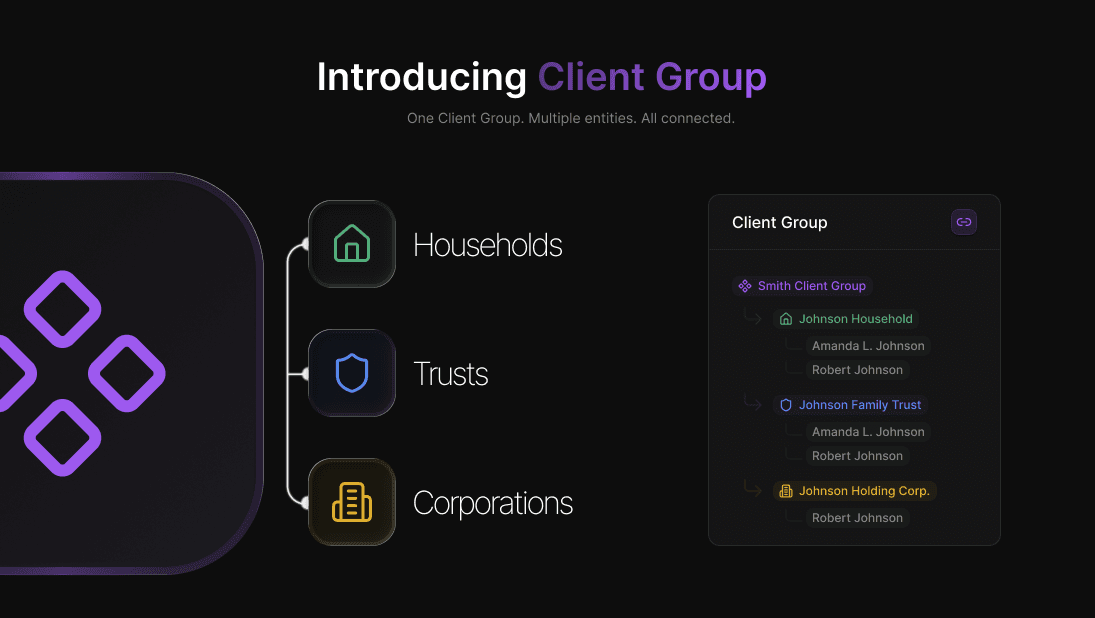
Every household, corporation, and trust can now have its own visibility rules.
If a team member does not have access to an entity, it does not appear for them anywhere in the app. No client profile, no related tasks, notes, documents, or activity.
This is real privacy, not a "please do not open this client" policy.
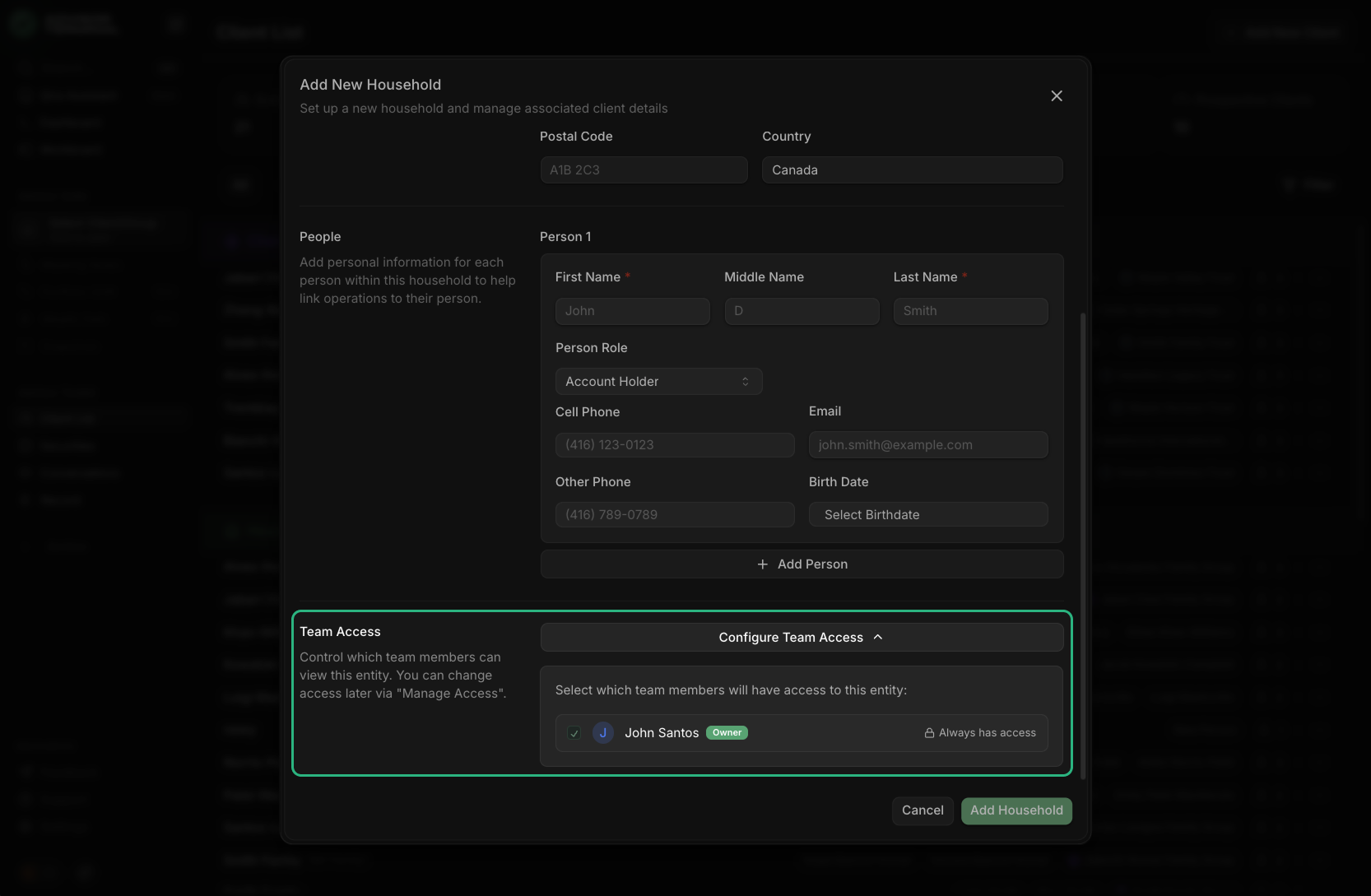
Set access during entity creation
When you create a new household, corporation, or trust, you can choose who should have access from the start.
You'll see a Team Access section in the creation flow where you can select the team members who should be able to view that entity once it's created.
Manage Access after the fact
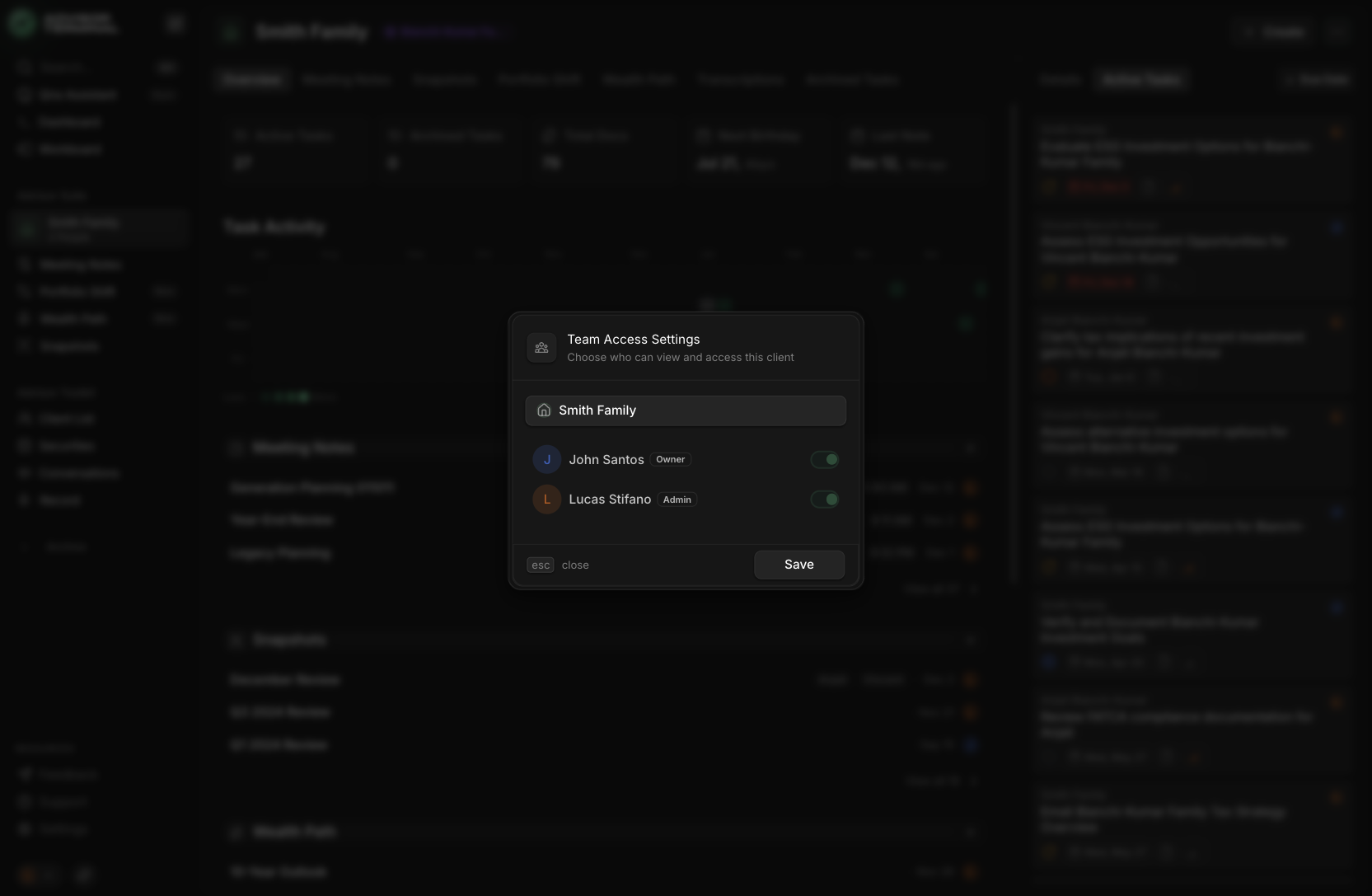
Access is not a one time decision.
From any entity, you can open Manage Access to update who can see it as responsibilities shift inside your team.
View Only mode that feels professional
For team members who should be able to look but not touch, View Only mode provides a clean review experience.
In View Only mode:
- content stays fully visible and usable
- editing and destructive actions are simply unavailable
This is ideal for review roles, interns, or any read-only role.
Common practice setups
- Owner privacy: keep personal or family entities invisible to staff while still managing them in the same practice
- Assistant access: give assistants access only to the entities they support
- Sensitive structures: restrict corporate and trust entities to senior staff
- Review roles: provide View Only access for clean oversight without edits
Where to find it
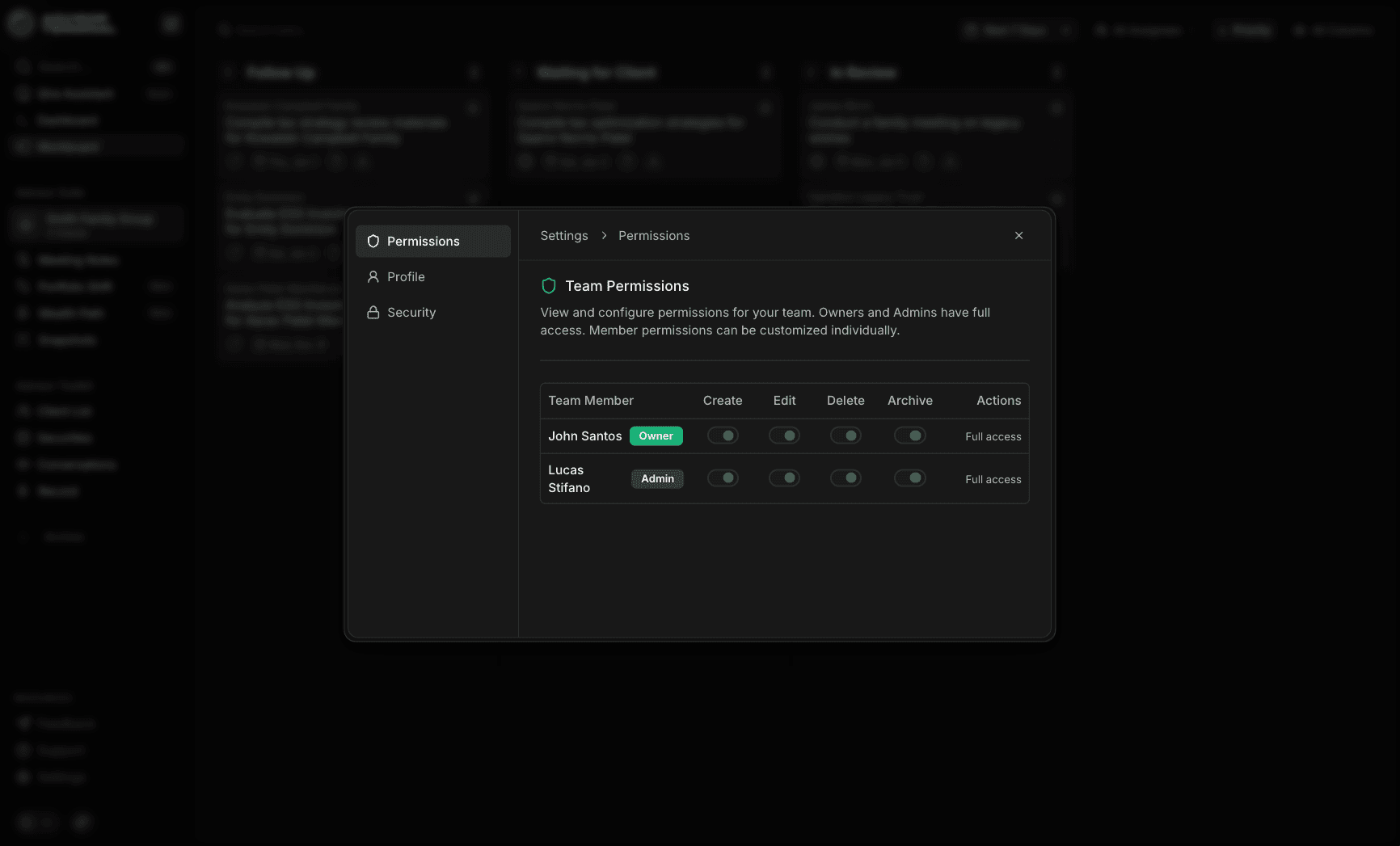
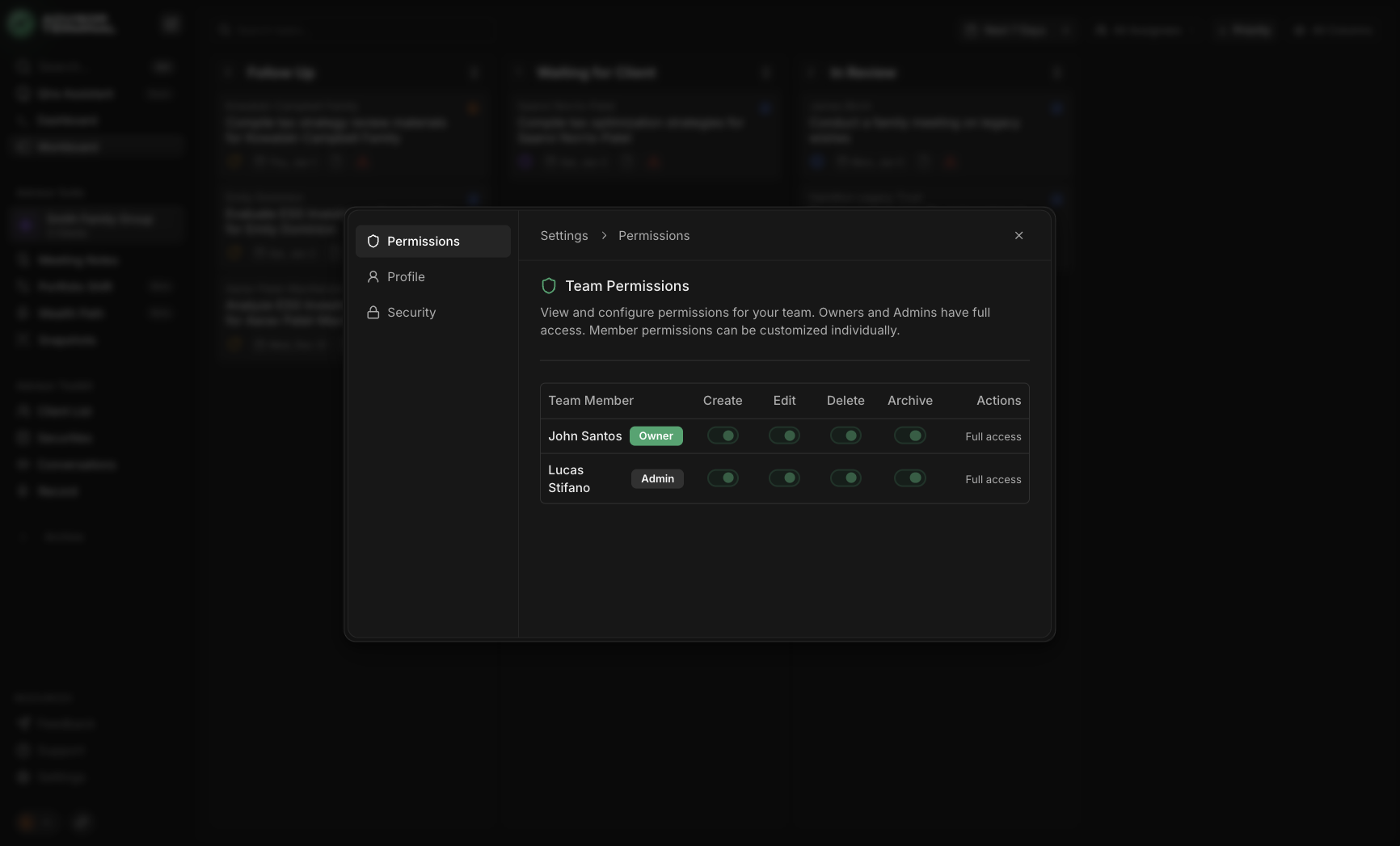
- Practice permissions: Settings → Permissions
- During entity creation: Team Access appears before you click Create
- After creation: open any entity and use Manage Access
New in this release
- Role Based Access Control (RBAC) across the platform
- Practice level permissions for what team members can do
- Team Access controls per household, corporation, and trust
- Manage Access modal to update visibility later
- View Only mode for read only team members
Wrap up
RBAC brings Advisor Terminal closer to how serious practices actually operate.
You can delegate safely, protect sensitive relationships, and give every team member the right level of access without relying on informal rules.